
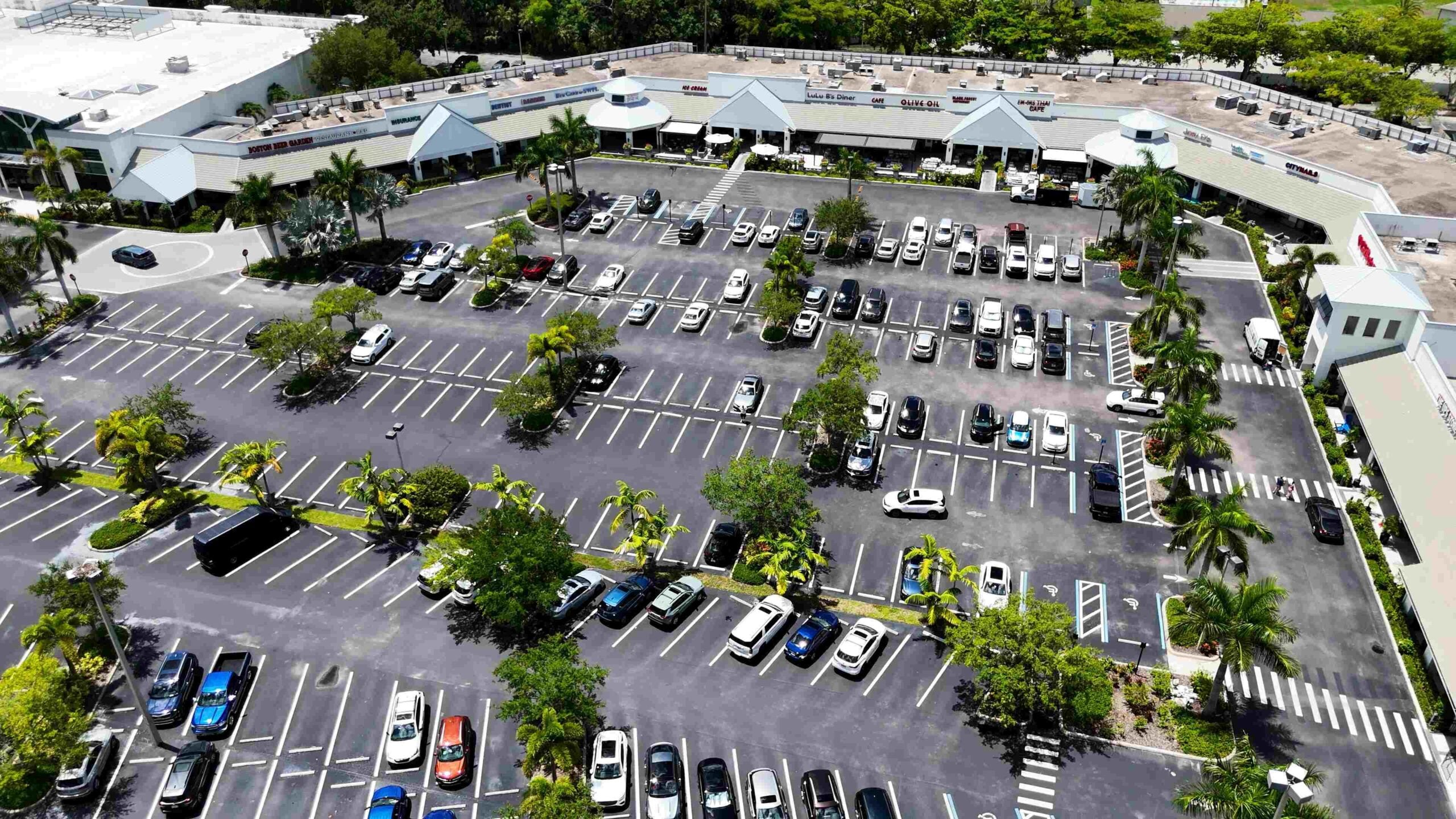
A used vehicle sitting without photos is technically in inventory but barely merchandised. These eight standards reduced average photo time from 32 hours to eight.
A used vehicle arrived Monday at 10:00 a.m.
The photos went live Tuesday at 6:00 p.m.
Total delay:
32 hours
The photographer was waiting for detail. Detail was waiting for the shop. The shop had no deadline because nobody owned the merchandising clock.
A 32-hour delay at the store’s modeled rate of 7.5 VDP views per live hour represented 240 potential VDP views:
32 hours × 7.5 views = 240 potential views
Cutting the process from 32 hours to eight returned 24 hours to the selling window:
24 hours × 7.5 views = 180 potential views
Those 180 views are modeled opportunity, not guaranteed shopper traffic. The number depends on vehicle demand, website traffic, listing distribution and price.
The store cut the delay with a time-stamped photo process, a fixed shot order and one owner for every handoff.
The 2026 Used-Car Photo Standard Sheet
| # | Photo Standard | Delay Without a Standard | Why the Vehicle Waits | Operating Fix | Owner | Modeled Time Saved |
| 1 | Publish a 12-photo starter set on day zero | 18 hours | Team waits for full detail | Quick exterior clean, starter photos, full reshoot later | Lot porter | 18 hours |
| 2 | Follow one 28-photo sequence | 3.2 hours of weekly rework | Random shooting misses required angles | Laminated shot card | Photographer | 2 hours |
| 3 | Remove personal plates and background clutter | 1.5 hours | Photos need editing or retakes | Plate cover and fixed photo zone | Photographer | 1.5 hours |
| 4 | Reset wheel, seats and floor mats | 0.9 hour | Interior looks neglected | Cabin setup checklist | Photographer | 0.9 hour |
| 5 | Control light and vehicle angle | 1.1 hours | Glare and dark cabins force retakes | North-facing bay or approved time blocks | Photographer | 1.1 hours |
| 6 | Record a 30-second starter video | 2 hours | Store waits for a weekly vendor visit | Phone video after starter photos | Porter or photographer | 2 hours |
| 7 | Upload within one hour | 4.5 hours | Media waits for an end-of-day batch | Direct upload and exception alert | Photographer | 4.5 hours |
| 8 | Photograph material defects | 0.7 hour | Staff tries to hide or edit damage | Defect, tire and glass shots | Photographer | Less rework and better qualification |
The individual savings total more than 24 hours because several delays occur at the same time. The store measured a net reduction of 24 hours per vehicle.
#1: Stop Waiting 18 Hours for a Perfect Detail
The largest delay started before the photographer touched the vehicle.
A trade arrived at 10:00 a.m. Detail had a full queue. The shop wanted to inspect the unit before washing. The photographer refused to shoot until every surface looked retail-ready.
The vehicle stayed online with a stock image or no image.
The new process added a day-zero starter set.
At arrival:
10:00 a.m. Vehicle checked into inventory
10:15 a.m. Stock number, keys and location confirmed
10:30 a.m. Quick wash, trash removal and basic cabin reset
11:00 a.m. Twelve starter photos completed
11:30 a.m. Starter set uploaded
Next morning:
8:00 a.m. Full detail completed
9:00 a.m. Complete 28-photo set replaces starter images
Do not photograph a vehicle covered in mud, filled with personal items or carrying visible biohazards. “Shoot first” means make the vehicle presentable without waiting for full paint correction, carpet extraction or final recon.
The starter set should include:
- Front three-quarter view
- Straight front
- Opposite front three-quarter view
- Driver side
- Rear three-quarter view
- Straight rear
- Opposite rear three-quarter view
- Passenger side
- Driver cabin
- Dashboard and odometer
- Rear seat
- Cargo area
Label the images as temporary inside the merchandising workflow. Replace them within one business day after detail.
Action: Require a presentable 12-photo set within one hour of inventory check-in. Give one employee ownership of the clock.
#2: A Fixed 28-Photo Sequence Removes Retakes
Random photography feels fast.
The photographer walks around the vehicle, opens a few doors and takes whatever looks useful. Later, the UCM sees no engine photo, no tire shot and no view of the third row.
Someone returns to the lot. The vehicle has moved. The keys are in service. A four-minute job becomes a 30-minute interruption.
The store’s fixed sequence looked like this:
- Front driver-side three-quarter
- Straight front
- Front passenger-side three-quarter
- Passenger side
- Rear passenger-side three-quarter
- Straight rear
- Rear driver-side three-quarter
- Driver side
- Featured wheel
- Tire tread
- Engine compartment
- Cargo area
- Driver door open
- Front cabin wide view
- Steering wheel
- Instrument display
- Center controls
- Infotainment screen
- Front seats
- Rear seats
- Third row, when equipped
- Cargo space with seats folded
- Key or key fobs
- Odometer
- Major equipment
- Material defect
- Windshield and roof
- Closing hero angle
Four minutes is an aggressive target. Larger SUVs, commercial vehicles and feature-heavy models need more time. Photo completeness matters more than rushing through the sequence.
The sequence should match the website display order. Your strongest exterior angle belongs first, not a dashboard photo or temporary stock image.
Use the VIN photo for internal verification when required. Publishing a VIN image is usually unnecessary because the listing already displays the VIN as text.
Action: Laminate the shot sequence and place one copy in the bay, one in detail and one inside the key cabinet.
#3: Personal Plates and Clutter Create 1.5 Hours of Rework
A clean truck is photographed beside a dumpster.
Another unit shows the previous owner’s license plate. A third has orange cones reflected across the passenger doors.
The images need cropping, blurring or a complete reshoot.
Create one photo zone with:
- Plain wall or open lot background
- No trash containers
- No employee vehicles
- No service equipment
- No visible customer information
- No harsh signs behind the roofline
- Enough space for every exterior angle
Do not permanently remove a plate belonging to the store or required for legal operation. Cover or remove a previous owner’s plate before public photos according to dealership policy.
Keep a dealership plate cover in the photo bay. A clean branded plate insert also gives the rear photo a finished appearance.
Check reflections before shooting. Glass doors, black paint and chrome often reveal people, equipment and other vehicles outside the frame.
Heavy background replacement creates another risk. Artificial edits might distort body panels or hide conditions. Use a controlled real background whenever possible.
Action: Put a plate cover, screwdriver, microfiber cloth and cone-removal checklist in the photo kit.
#4: Straighten the Wheel, Seats and Floor Mats
A crooked steering wheel makes the vehicle look parked carelessly.
A reclined passenger seat makes the cabin look smaller. Folded mats, open consoles and loose charging cables tell the shopper nobody prepared the vehicle.
Use a 60-second cabin reset:
- Center the steering wheel
- Place the wheel logo upright
- Set front seats to similar positions
- Raise seatbacks
- Flatten floor mats
- Close storage compartments
- Remove service tags
- Turn off warning-free accessory screens
- Set climate controls consistently
- Remove personal data from paired devices when approved
Do not clear warning lights for the photo. A warning light needs diagnosis, not a different camera angle.
Show the odometer with the vehicle safely parked. Confirm mileage matches the DMS record before uploading the photo.
For trucks, raise or lower rear seats into the position showing usable cabin space. For three-row SUVs, include the third row both upright and folded when the photo count allows.
Action: Add “wheel straight, seats upright, mats flat” to the first line of the interior checklist.
#5: Noon Is Not a Universal No-Shoot Rule
Direct overhead sun often creates hard shadows, windshield glare and a dark interior. Shooting every vehicle at noon might increase retakes.
The answer is not one national schedule saying 10:00 a.m. or 3:00 p.m. Light differs by season, weather, lot direction and region.
Use a north-facing photo bay when the property allows one. Open shade also produces more even body color and fewer reflections.
If the store shoots outdoors:
- Keep direct sun behind or beside the photographer
- Avoid placing half the vehicle in shadow
- Turn the vehicle instead of editing severe glare later
- Use the same location and orientation
- Check white, black and metallic paint separately
- Shoot interiors in open shade
Cloud cover often creates useful light across more hours. Winter afternoons might become too dark long before 3:00 p.m.
The photo timestamp report will show which hours produce the fewest retakes. Use your own results.
Action: Test three shooting windows for two weeks. Keep the time block with the lowest glare and retake rate.
#6: Record the First Video on Day Zero
The vehicle arrives Monday.
The outside video vendor visits Friday.
The listing spends four days without motion, engine sound or a basic walkaround.
Record a simple 30-second starter video after the first photos:
0 to 8 seconds: Front and driver-side walkaround
8 to 15 seconds: Rear and passenger side
15 to 22 seconds: Open the driver door and show the cabin
22 to 30 seconds: Start the vehicle and show the dashboard
Do not claim the vehicle passed inspection unless the shop completed and documented the inspection. Do not record a cold-start claim after the engine has been running.
Keep customer names, paperwork and previous owner information outside the frame. Avoid filming conversations from nearby employees or customers.
The short video does not replace a model-specific sales video. The first job is proof of inventory and visible condition.
Action: Give the porter or photographer one approved 30-second format. Upload the video with the starter photo set.
#7: Upload Within One Hour Instead of Waiting Until 6:00 p.m.
The photographer shoots eight vehicles before lunch.
The camera card stays in a pocket until the end of the shift. At 6:00 p.m., every vehicle uploads in one batch.
Average media delay reaches 4.5 hours.
Use direct phone or camera upload where the merchandising platform supports one. A Wi-Fi-enabled camera or approved transfer app also shortens the handoff.
The control needs more than automatic transfer. Track four timestamps:
- Vehicle checked into inventory
- Photos captured
- Media accepted by the merchandising platform
- Photos live on the website
A successful upload does not prove the website published every file. The platform might reject an image, scramble the sequence or hold the feed until its next processing cycle.
Set alerts for:
- Capture-to-upload time above one hour
- Upload-to-live time above the vendor standard
- Fewer than 12 starter photos
- Fewer than 28 final photos
- Missing hero image
- Failed video processing
Action: Stop using an end-of-day batch. Upload after each vehicle or each short group, then verify the live VDP.
#8: Show Material Defects Instead of Hiding Them
A used vehicle has a three-inch scratch on the rear bumper.
The photographer avoids the angle. The shopper drives 45 minutes, sees the damage and leaves.
The store saved one uncomfortable photo and wasted an appointment.
Use a clear defect standard:
- Photograph visible scratches above the store threshold
- Show dents affecting buyer expectations
- Photograph windshield chips
- Show wheel damage
- Include tire-tread condition
- Record missing or damaged interior equipment
- Update photos after repair
One inch is a possible store threshold, not an industry requirement. Dark paint, location and severity matter more than a ruler alone.
Do not fill the gallery with close-ups of normal wear. Show enough detail for an informed buyer without making a minor mark look larger than reality.
The brief assigns a 12% VDP lift to honest defect photos. That figure needs proof from the store’s analytics before publication as a performance claim. The operational value is easier to measure through fewer surprise objections, fewer reshoots and better appointment qualification.
Action: Photograph each material defect, then replace the image after recon repairs the condition.
UCM Math: What 24 Faster Hours Produce
Old average photo time:
32 hours
New average photo time:
8 hours
Time recovered:
32 − 8 = 24 hours
At the store’s modeled rate of 7.5 potential VDP views per live hour:
24 × 7.5 = 180 potential views per vehicle
Across 80 monthly used acquisitions:
180 × 80 = 14,400 potential VDP-view opportunities
This number does not mean the store automatically receives 14,400 new views. Some shopping activity would occur later, and demand differs across vehicles.
Measure the result directly:
- Acquisition-to-first-photo hours
- Acquisition-to-final-photo hours
- Photo-upload-to-live hours
- VDP views during the first 72 hours
- Leads during the first seven days
- Days to first appointment
- Days to sale
- Photo retake rate
A two-day faster sale also requires store data. Faster photos support earlier exposure, but price, recon, market demand and lead handling still control turn.
The Photo-Bay Time-Stamp Board
Track every vehicle with six fields:
| Stock Number | Arrival | Starter Photos | Final Detail | Final Photos | Website Live |
| U1264 | Mon. 10:00 a.m. | Mon. 11:00 a.m. | Tue. 8:00 a.m. | Tue. 9:00 a.m. | Tue. 9:45 a.m. |
Assign each missed deadline a reason code:
- Waiting for keys
- Waiting for wash
- Shop hold
- Safety hold
- Photographer unavailable
- Upload failure
- Website-feed delay
- Vehicle off-site
The UCM should review the board at 9:00 a.m. and 3:00 p.m. A vehicle without an owner will sit until the next meeting.
Related Reading
7 Dealer DMS Integration Failures Costing Managers 10 Hours a Week
6 Dealer Group Expense Benchmarks That Find $25,000 in Monthly Waste
Sponsored by Gas.net — powering dealership growth through intelligent data.
Alt text: “Gas.net connects franchise dealers with integrated analytics and marketing tools.”