
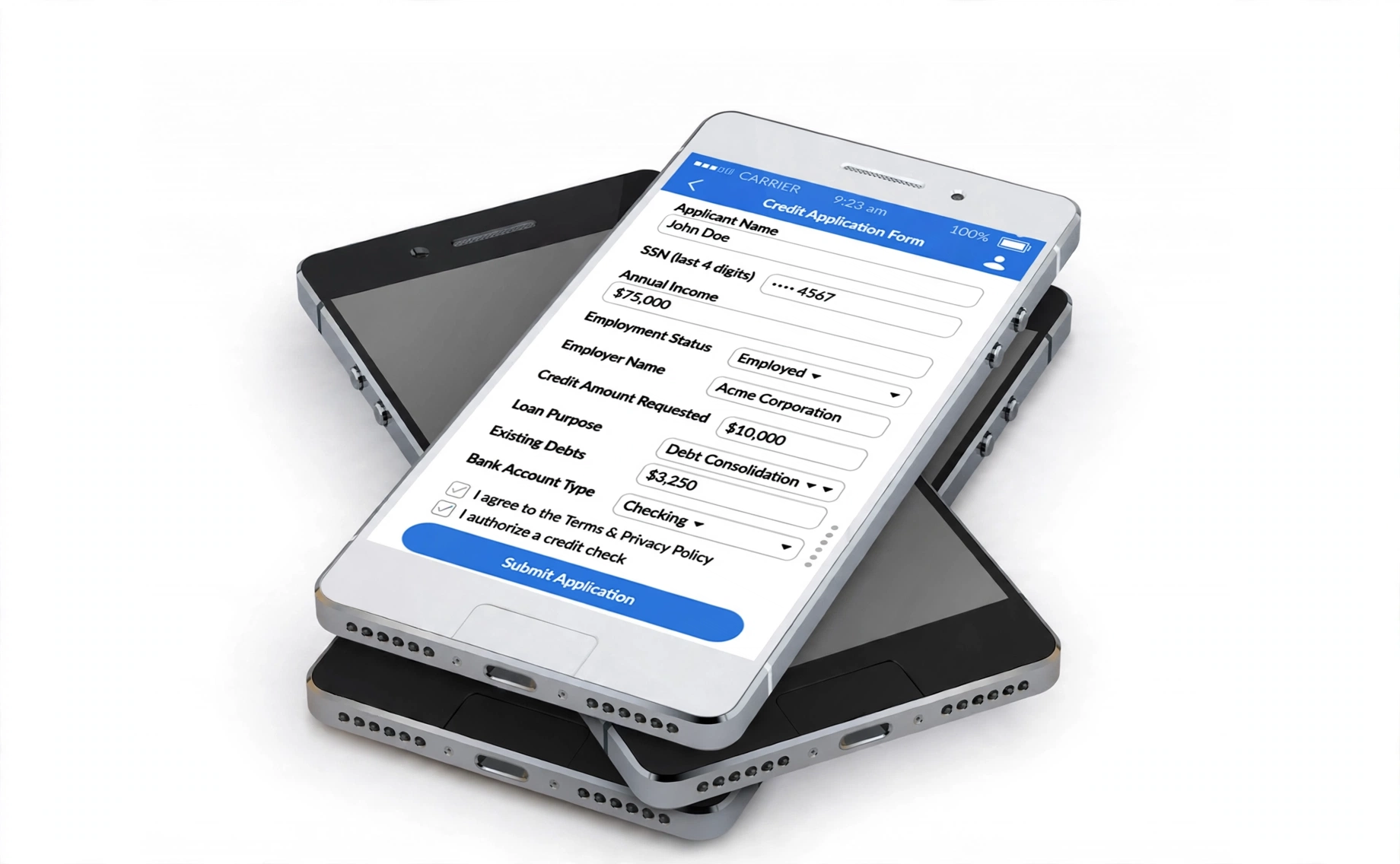
The largest credit-application leak often appears before a lender sees the file. Shoppers reach the Social Security number, consent or employment screen and leave without submitting anything.
A dealership had 412 shoppers click “Apply for Credit” last month.
Only 94 completed the application.
94 ÷ 412 = 22.8% completion
412 − 94 = 318 abandoned applications
Nearly 77% of applicants left before submitting the form. Sixty-eight shoppers dropped at the Social Security number step alone.
The dealership was sending paid traffic into a form built around lender fields instead of buyer behavior.
A larger review tracked 1,240 application sessions. The original process converted 23% of starts. Seven field and layout changes lifted completion to 41%.
That is an 18-percentage-point increase.
The results below come from the dealership funnel used for this article. They are not national benchmarks. Your form provider, credit process, traffic quality and lender requirements will affect each result.
The Dealer Online Credit-Application Fix Sheet
| # | Credit-Application Fix | Drop-Off at This Step | Why the Buyer Leaves | Completion Change | 15-Minute Fix |
| 1 | Move SSN to the final credit step | 68% among shoppers reaching an early SSN field | Identity-theft concern arrives before value | 23% to 34% | Move SSN to step three |
| 2 | Start with four fields instead of 14 | 43% on the long opening screen | Too much work on mobile | Step-one completion rose from 57% to 81% | Cut the opening screen |
| 3 | Explain the credit-check type | 31% | Shopper fears a hard inquiry | Overall completion gained 9 points in the test | Add accurate credit language |
| 4 | Use one short group of questions per mobile screen | 39% on mobile | Long scrolling form feels broken | Mobile completion rose from 18% to 36% | Rebuild the mobile layout |
| 5 | Separate and simplify consent language | 22% | Dense legal text creates doubt | Consent completion rose from 78% to 91% | Add a short summary with full terms |
| 6 | Remove premature employer-address and reference fields | 27% | Shopper lacks details or refuses to share contacts | Overall completion gained 7 points | Remove unnecessary opening fields |
| 7 | Add progress and human help | 18% | Applicant sees no finish line | Overall completion gained 5 points | Show steps and support |
Drop-off figures use different step-level denominators. Adding all percentages together would overstate total abandonment.
#1: An Early SSN Field Produces the Largest Drop
The old form asked for a Social Security number near the top.
The shopper had not received a payment range, financing explanation or reason for sharing sensitive data. The request felt premature.
A typical reaction was simple:
“I wanted to see whether the payment fits. Why does this dealership need my SSN already?”
The original application converted 23% of starts. After the SSN request moved to the final credit step, completion reached 34%.
34% − 23% = 11 percentage points gained
The revised flow looked like this:
Step 1: Basic applicant information
Step 2: Residence and income details
Step 3: Credit authorization and identity information
Do not label SSN as optional when the lender submission requires a complete number. An optional SSN path should lead to a prequalification, saved application or dealership follow-up, depending on the approved provider process.
A dealer should not promise that the last four digits plus date of birth will produce a credit result across every bureau or platform. Matching requirements differ. Confirm the required identifiers with your credit provider.
Better field language:
“Your Social Security number is required for the credit review. We encrypt your information and use it only for the approved application process.”
If your process lets the shopper save progress and provide the SSN later, say so:
“Prefer to finish this step with our Finance team? Save your application and continue at the dealership.”
A lock icon does not prove security. The form, data transmission, access controls and retention process need real protection. The FTC’s Safeguards Rule applies to covered customer information handled by automobile dealers. Source: FTC Safeguards Rule FAQs for automobile dealers.
Action: Move SSN to the approved credit stage. Explain why the dealership needs the number and what happens after submission.
#2: A 14-Field Opening Screen Loses 43%
The first screen asked for:
- First name
- Last name
- Street address
- City
- State
- ZIP code
- Date of birth
- Monthly income
- Employer
- Employer address
- Time at job
- Housing status
- Monthly housing payment
- Phone number
On a phone, the list stretched across several screens.
The applicant had no progress indicator and no estimate of the remaining time. Leaving felt easier than finishing.
The revised opening step requested four pieces of information:
- Full name
- ZIP code
- Monthly income
- Date of birth
Step-one completion rose from 57% to 81%.
81% − 57% = 24 percentage points
Do not collect four fields merely because four looks short. Ask whether each field supports the next step. Date of birth and income are sensitive. Protect them from the first keystroke.
Use ZIP code to populate city and state later. Use address autocomplete where your privacy and security review approves the service.
Break the full form into clear stages:
- Basic information
- Residence and employment
- Credit authorization
- Review and submit
A shopper who finishes the first step has not completed a credit application. Report step-one completion and final submission as separate events.
Action: Count required fields before the first Continue button. If the screen has more than five, move later-stage fields to the stage where they are needed.
#3: Vague Credit Language Makes 31% Leave
Many dealership forms place this sentence above the button:
“By continuing, you authorize us to obtain credit information.”
The shopper does not know whether the inquiry affects the credit score.
Some dealerships solve the concern with a badge:
“Soft pull. No impact to your credit score.”
That statement belongs on the form only when the dealership’s provider performs a soft inquiry at that stage.
Do not call a hard inquiry soft. Do not promise “no impact” without written confirmation from the provider. A dealership might use a soft inquiry for prequalification and a hard inquiry after the customer requests financing. The screens need to explain the difference.
Example:
“This prequalification uses a soft credit inquiry and does not affect your credit score. A full financing application might require a hard inquiry with your authorization.”
Consumer reports require a permissible purpose under the Fair Credit Reporting Act. The CFPB has stated that a person must not obtain or use a consumer report without a permissible purpose. A disclaimer does not repair an unauthorized pull. Source: CFPB advisory opinion on permissible purposes.
In the tested funnel, adding accurate credit-check language increased completion by nine percentage points. The improvement came from answering the buyer’s question before the field appeared.
Action: Ask your provider whether each stage uses no pull, a soft inquiry or a hard inquiry. Place the correct explanation above the authorization.
#4: The Mobile Form Needs More Than a Smaller Desktop Layout
In the reviewed funnel, 73% of application starts came from mobile devices.
The desktop form had been squeezed onto a phone screen. Applicants faced small fields, long scrolling, keyboard changes and error messages appearing above the visible area.
Mobile completion was 18%.
After the form moved to short question groups with large controls, completion reached 36%.
36% − 18% = 18 percentage points
“One question per screen” works for some forms, but moving through 25 separate screens creates its own frustration. Group closely related fields when the screen remains easy to scan.
A workable mobile sequence:
Screen 1: Name and ZIP code
Screen 2: Date of birth and contact details
Screen 3: Residence
Screen 4: Employment and income
Screen 5: Credit authorization
Screen 6: Review and submit
Use the correct mobile keyboard. Phone fields should open the number keypad. Email fields should offer the email keyboard. Date fields need a clear format.
Keep entered values after an error. Do not erase the entire form because one field failed validation.
Test on a real iPhone and Android phone. Browser emulation misses keyboard, autofill and thumb-reach problems.
Action: Complete the application on a phone using one hand. Record every unnecessary scroll, keyboard change and lost field value.
#5: An 80-Word Consent Block Stops 22%
The original form placed one dense paragraph above a single checkbox.
The paragraph mixed:
- Credit-report authorization
- Application terms
- Privacy acknowledgment
- Permission for marketing calls
- Permission for automated texts
- General website terms
Shoppers did not know what the checkbox approved.
The answer is not deleting required disclosure language and replacing everything with 12 words. The better fix separates each purpose and gives the shopper a short explanation beside a clear link to the full terms.
Example text-message summary:
“I agree to receive texts about my application. Message rates apply. Reply STOP to opt out.”
Your attorney should review the complete disclosure, placement, checkbox design and whether marketing consent must remain separate from application-related communication. Do not precheck consent.
Credit authorization should have its own label. Marketing permission should not hide inside the credit application terms.
The tested consent step improved from 78% to 91% after the dealership separated the choices and shortened the visible summaries.
91% − 78% = 13 percentage points
The disclosure still needs to remain clear and accessible. A tiny link in light-gray text does not solve the problem.
Action: Separate credit authorization, privacy acknowledgment and communications consent. Ask counsel to approve the wording and screen placement.
#6: Employer Address and Personal References Lose 27%
The applicant knows the employer’s name. The employer’s full street address is another matter.
Then the form asks for two personal references with names, addresses and phone numbers.
The shopper stops to search for information or decides against giving a friend’s phone number to a dealership.
Do not collect a field because an old paper application included the same box. Ask the lender or platform when the information becomes necessary.
For an early prequalification step, employer name, income and time at job might be enough under the provider’s process. A final application or specific lender program might require more.
Remove fields unsupported by a current business need. Move lender-specific information later instead of forcing every applicant to complete the longest possible version.
In the tested form, removing employer-address and reference fields from the early stages increased final completion by seven percentage points.
Data minimization also reduces the amount of sensitive information the dealership stores. Every collected field needs protection, access controls and a retention reason.
Action: Print the full application. Mark each field as required by the provider, required later by a lender or unnecessary. Delete or delay the third group.
#7: No Progress Bar Makes the Form Feel Endless
A shopper completes one screen and reaches another. Then another.
Nothing shows whether two questions or 20 questions remain.
The revised form displayed:
“Step 1 of 3. About two minutes remaining.”
Only use a time estimate supported by session data. If the median completion time is six minutes, do not advertise two.
Add a visible support option:
“Need help with your application? Text or call our Finance team.”
The support button should preserve the current form. Do not make the buyer start again after speaking with an employee.
Track help requests by field. Ten support requests at the income screen point to a wording problem. Repeated SSN questions point to weak security or credit-pull explanations.
The tested progress and support changes added five percentage points to completion.
Action: Add step count, honest time remaining and a staffed help option. Save the applicant’s progress after each stage.
Finance Math: What an 18-Point Gain Produces
Use 400 monthly application starts.
At 23% completion:
400 × 23% = 92 completed applications
At 41% completion:
400 × 41% = 164 completed applications
Additional applications:
164 − 92 = 72
Assume 45% of the additional applications receive approval:
72 × 45% = 32.4 approved applications
Assume every approved applicant becomes a sold deal with $1,800 combined gross:
32.4 × $1,800 = $58,320
That $58,320 is the maximum sold-deal case under the supplied model. Approval does not equal delivery.
If 60% of the 32.4 approved applicants buy:
32.4 × 60% = 19.44 additional sales
19.44 × $1,800 = $34,992 estimated gross
Track each stage separately:
- Application-page views
- Form starts
- Completion by step
- Submitted applications
- Credit approvals
- Appointments
- Sold units
- Front and back gross
Use analytics events for every Continue button, validation error and abandonment point. Do not send SSNs, income, dates of birth or other sensitive application values into general analytics platforms.
Your dealer online credit application should collect enough information for the approved credit process without demanding every lender field on the first screen. Move sensitive questions later, explain the credit inquiry, simplify mobile use and show the buyer where the process ends.
Related Reading
6 Digital Retailing Checkout Problems Costing Dealerships 20% of Online Deals
8 Customer Behavior Business Trends: Why Buyers Ghost After the First Text
Sponsored by Gas.net — powering dealership growth through intelligent data.
Alt text: “Gas.net connects franchise dealers with integrated analytics and marketing tools.”